What Is an Outlets Power Strip?
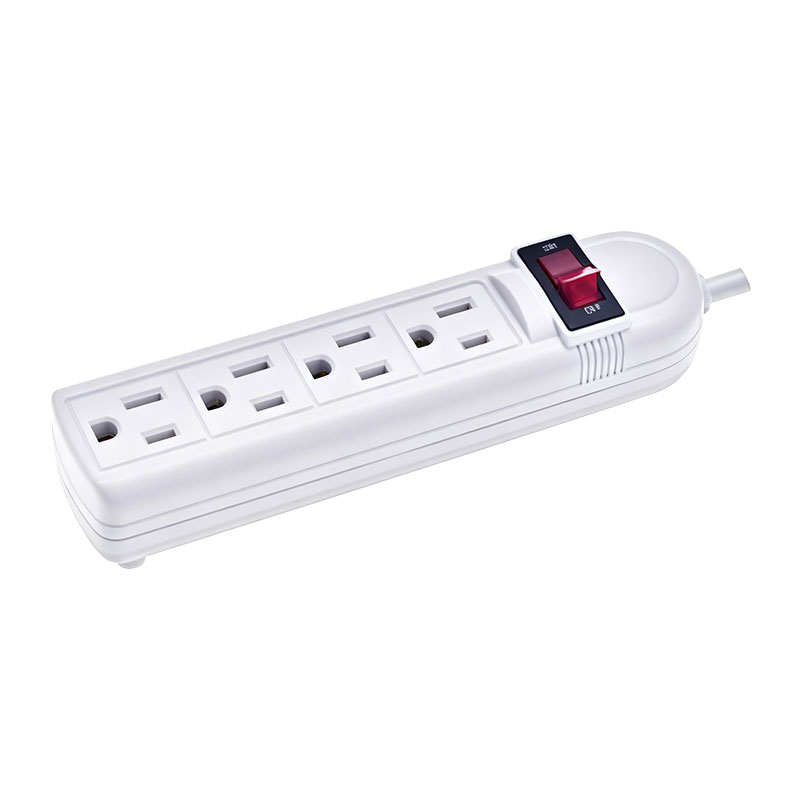
An outlets power strip is a device that provides multiple electrical sockets from a single wall outlet. It typically consists of a block or bar with several receptacles (usually 3 to 12 or more) and a power cord with a plug at the end. The strip may also include a circuit breaker or surge protection to safeguard connected devices from voltage spikes. Some power strips also feature USB ports for charging mobile devices without requiring separate adapters.
Power strips are used in homes, offices, workshops, and even commercial settings to expand the number of available outlets. They are especially useful in areas where wall outlets are scarce, such as behind furniture, in entertainment centers, or under desks. While a power strip does not increase the total available power (the circuit is still limited by the wall outlet's capacity), it allows multiple low‑power devices to share a single outlet safely.
It is important to distinguish a power strip from a surge protector. While all surge protectors are power strips, not all power strips provide surge protection. A basic power strip simply splits the power, while a surge protector includes components (like metal oxide varistors) that absorb excess voltage to protect connected devices.
How Does an Outlets Power Strip Work?
An outlets power strip works by connecting multiple sockets in parallel to the incoming power line. The power cord plugs into a wall outlet, and the internal wiring distributes electricity to each receptacle. Most power strips also include a built‑in circuit breaker or fuse that trips if the total current drawn exceeds the strip's rated capacity (usually 15 amps for household strips), preventing overheating and fire hazards.
Surge protection models include a metal oxide varistor (MOV) that shunts excess voltage to the ground wire when a surge occurs (e.g., from lightning strikes or grid fluctuations). This protects sensitive electronics from damage. The protection level is measured in joules—higher joule ratings indicate better protection.
Some advanced power strips incorporate features like filtered power, which reduces electrical noise, and smart outlets that can be controlled remotely via Wi‑Fi or Bluetooth, allowing users to turn devices on/off from a smartphone app.
Types of Outlets Power Strips
There are several types of outlets power strips, each designed for different environments and requirements.
Basic Power Strips
These are simple, economical power strips without surge protection. They provide extra outlets for low‑power devices like lamps, fans, or phone chargers. They are suitable for areas where surge risk is minimal, such as in a garage or workshop.
Surge Protector Power Strips
These are the most common power strips for home and office use. They include surge protection technology to safeguard computers, TVs, home theater systems, and other expensive electronics. Look for surge protectors with a high joule rating (e.g., 1000 J or more) and a low clamping voltage (under 400 V).
USB Power Strips
Many modern power strips integrate USB‑A and USB‑C ports for charging smartphones, tablets, and other portable devices without needing separate chargers. This reduces clutter and frees up AC outlets for other devices. Some USB ports support fast charging (Power Delivery or Quick Charge).
Smart Power Strips
Smart power strips connect to your home Wi‑Fi network and can be controlled via smartphone apps or voice assistants like Alexa or Google Assistant. They often allow individual outlet control, energy monitoring, and scheduling. Some can automatically turn off devices in standby mode to save energy.
Outdoor and Heavy‑Duty Power Strips
For outdoor use, such as for garden tools, holiday lights, or construction sites, weather‑resistant power strips are available. They feature sealed outlets, rugged construction, and often include a longer cord. Industrial‑grade strips may have higher amp ratings and metal housings for durability.
Travel Power Strips
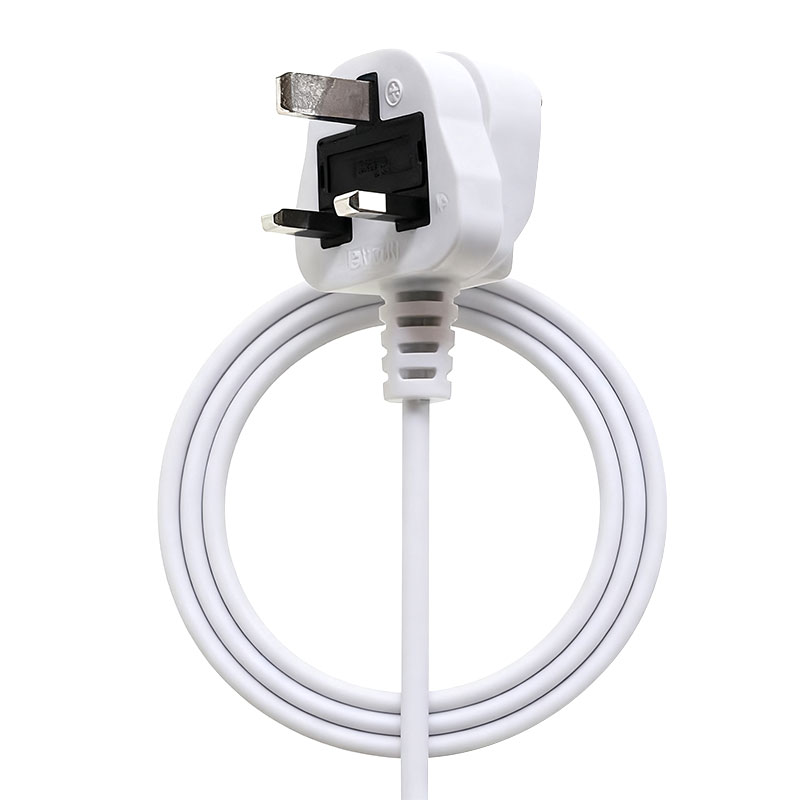
Compact and lightweight, travel power strips often include multiple outlet types (US, EU, UK, etc.) and USB ports. They are designed for international travelers and typically have a surge protector built‑in.
Key Features to Consider When Buying an Outlets Power Strip
Selecting the right power strip involves evaluating several factors to ensure safety, functionality, and compatibility with your devices.
Number of Outlets: Determine how many devices you need to plug in. For desks, 6‑8 outlets may suffice, while for entertainment centers or server racks, 10‑12 or more may be necessary. Also consider outlet spacing to accommodate bulky adapters.
Surge Protection: If you plan to connect sensitive electronics (computers, TVs, gaming consoles), choose a power strip with surge protection. The joule rating indicates the energy absorption capacity—higher is better. Look for models with indicator lights showing that protection is active.
USB Ports: If you regularly charge mobile devices, a power strip with USB ports is convenient. Ensure the total USB output is adequate for your devices (e.g., 2.4A per port or higher).
Cord Length: Measure the distance from the wall outlet to where you need the power strip. Common lengths are 3, 6, 10, or 15 feet. Choose a length that provides flexibility without excessive slack.
Circuit Breaker: A built‑in circuit breaker or resettable fuse protects against overload. Look for a strip with a lighted on/off switch that also serves as a circuit breaker reset.
Mounting Options: Some power strips come with mounting holes or brackets for attaching to desks, walls, or under cabinets, keeping cords tidy and accessible.
Child Safety: If children are present, consider power strips with safety shutters that block foreign objects from being inserted into unused outlets.
Smart Features: If you want remote control, energy monitoring, or scheduling, a smart power strip is the way to go. Ensure compatibility with your home automation ecosystem.
Ratings and Certifications: Look for UL, ETL, or CSA certification, which ensures the product meets safety standards. Check the maximum current (amps) and wattage to avoid overloading.
Safety Guidelines for Using an Outlets Power Strip
While power strips are convenient, they can pose fire and shock hazards if used improperly. Follow these safety tips to minimize risks.
Do Not Overload: Never exceed the power strip's rated capacity. Most household strips are rated for 15 amps (1800 watts at 120V). Adding up the wattage of all connected devices should stay below this limit.
Avoid Daisy‑Chaining: Never plug one power strip into another. This increases the risk of overload and fire. Always plug directly into a wall outlet.
Inspect Regularly: Check the cord and plugs for damage, fraying, or discoloration. Replace worn strips immediately.
Keep Away from Heat and Water: Power strips should be placed in dry, cool areas. Do not use them in bathrooms, near sinks, or outdoors unless specifically rated for such environments.
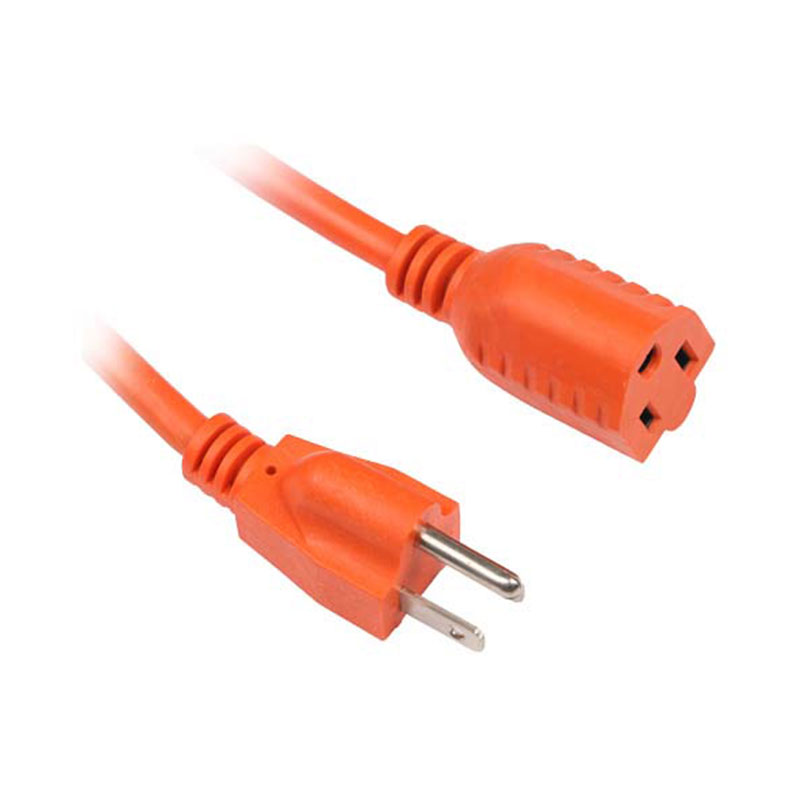
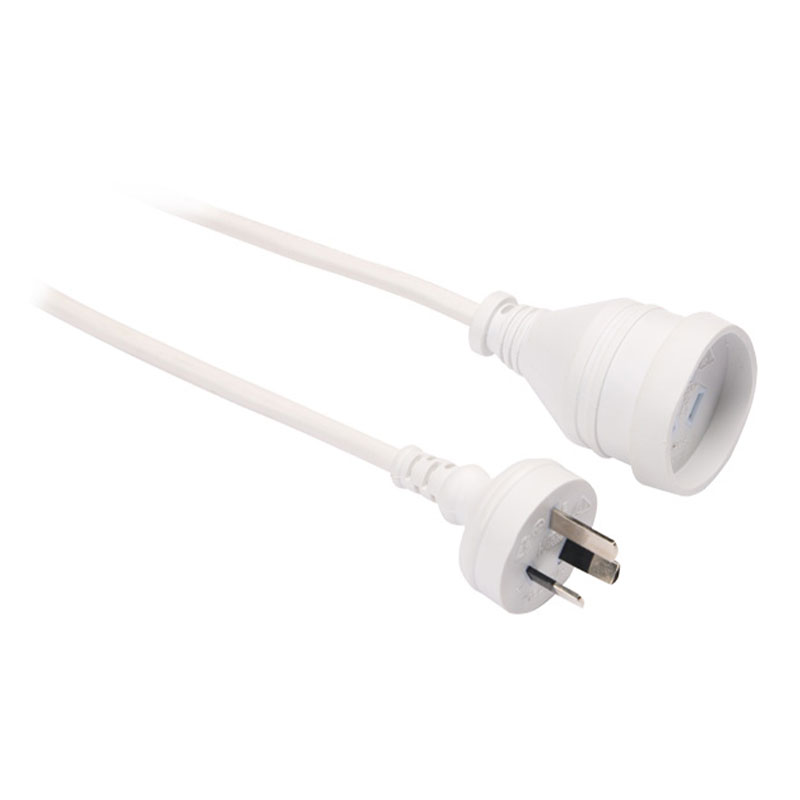
Use Properly Rated Extension Cords: If you need to extend the reach, use a heavy‑duty extension cord of adequate gauge, but never connect a power strip to another cord.
Unplug When Not in Use: For infrequently used devices, unplug the power strip entirely to save energy and reduce fire risk.
Connect High‑Draw Appliances Directly: Large appliances like refrigerators, space heaters, or air conditioners should be plugged directly into wall outlets, not into power strips, as they draw high currents.
Power Strip vs. Surge Protector: What Is the Difference?
Many people use the terms "power strip" and "surge protector" interchangeably, but they are not the same. A basic power strip simply provides additional outlets without any surge protection. It does not protect against voltage spikes. A surge protector is a power strip that includes circuitry (usually MOVs) to divert excess voltage to ground, protecting connected devices. When shopping, look for the phrase "surge protector" or "surge suppression" and check the joule rating. If you are connecting expensive electronics, always choose a surge protector.
How to Choose the Right Power Strip for Your Needs
To select the ideal outlets power strip, start by identifying all the devices you plan to connect. Count the number of devices and note whether they have bulky transformers that might block adjacent outlets—in that case, look for a strip with widely spaced outlets or a rotating outlet design.
If the devices are sensitive (e.g., computers, audio/video equipment), invest in a surge protector with a high joule rating (at least 1000 J) and a response time of less than 1 nanosecond. Consider a model with noise filtering to improve signal quality for audio/video systems.
For mobile devices, a power strip with USB ports is highly convenient. Ensure the USB charging speed is compatible with your devices—prefer USB‑C with Power Delivery for laptops.
If you have a smart home system, a smart power strip allows you to automate and monitor energy usage. Some can even track individual outlet consumption and alert you to overload conditions.
For outdoor use, choose a strip with an IP rating (e.g., IP44) for moisture resistance, and ensure it has a grounded cord.
Consider the cord length to reach your desired location without stretching. Also, think about mounting options—some strips come with keyhole slots for wall mounting.
Finally, always check the certification marks (UL, ETL, CSA) to ensure compliance with safety standards.
Energy Efficiency and Smart Features
Modern power strips are moving beyond simple outlet expansion. Energy‑saving models can detect when a device enters standby mode and automatically cut power to reduce phantom loads. This can save significant electricity over time. Smart power strips with energy monitoring provide real‑time data on consumption, helping you identify energy‑hungry devices.
Some power strips include built‑in timers or scheduling, allowing you to turn off devices at specific times (e.g., turning off monitors at night). With Wi‑Fi connectivity, you can control outlets remotely from anywhere, which is useful for turning off forgotten appliances or setting vacation schedules.
Installation and Setup
Installing a power strip is straightforward. Position the strip near the devices you want to power, ensuring the cord reaches a wall outlet without strain. Avoid placing it where it can be stepped on or where cables can be pulled. If mounting, use screws or adhesive strips provided. Plug the power strip into a wall outlet, then connect your devices. Turn on the strip's switch (if present) and verify that all outlets are powered.
For smart power strips, download the associated app, follow the pairing instructions, and configure any schedules or routines.
Regularly check the strip for dust accumulation, which can impede cooling and pose a fire hazard. Vacuum or wipe with a dry cloth.
Common Mistakes to Avoid
Many users make errors that compromise safety or performance. Avoid these pitfalls:
Overloading: Exceeding the amp rating can cause overheating and fire. Always sum the wattage of devices.
Using indoors outdoors: Outdoor power strips must be weather‑rated; using an indoor strip outside is dangerous.
Blocking ventilation: Placing a power strip under carpets or behind heavy furniture can trap heat.
Daisy‑chaining: Connecting one strip to another is unsafe.
Ignoring wear: Frayed cords or loose plugs should be replaced immediately.
Plugging in heaters: Space heaters and high‑wattage appliances should not be used with power strips.
Frequently Asked Questions About Outlets Power Strips
What is an outlets power strip?
An outlets power strip is a device that provides multiple electrical sockets from a single wall outlet, allowing several devices to be powered simultaneously. It typically has a built‑in circuit breaker for overload protection.
What is the difference between a power strip and a surge protector?
A power strip simply adds outlets; a surge protector includes components that protect against voltage spikes by diverting excess energy to ground. A surge protector is a type of power strip with additional safety features.
How many devices can I plug into a power strip?
The number depends on the strip's outlet count and the total current draw. Do not exceed the amp rating (usually 15A). Sum the wattages of all connected devices and ensure it stays below the strip's limit.
Can I plug a power strip into an extension cord?
It is generally not recommended as it increases the risk of overloading and fire. Use a longer power strip cord instead.
Do power strips wear out?
Yes, over time the metal contacts can loosen, and the surge protection components degrade. Replace strips if they feel warm, have damaged cords, or if the surge indicator light goes off.
What should I look for in a surge protector power strip?
Look for a high joule rating (e.g., 1000+ J), a low clamping voltage (under 400V), UL/ETL certification, and enough outlets. Also consider USB ports and cord length.
Can I use a power strip for a refrigerator or microwave?
No, these high‑power appliances should be plugged directly into wall outlets to avoid overloading the power strip.
Are smart power strips worth it?
Yes, if you want to remotely control devices, monitor energy usage, or automate schedules. They help reduce standby power consumption and add convenience.
How often should I replace my power strip?
Every 2‑3 years for frequent use, or sooner if it shows signs of wear. Surge protectors lose their protection capacity after absorbing multiple surges.
Can a power strip cause a fire?
If overloaded, damaged, or used improperly, a power strip can overheat and cause a fire. Always follow safety guidelines and use certified products.
What is the purpose of the illuminated switch on a power strip?
The switch typically turns the power on/off for all outlets and often includes a built‑in circuit breaker that trips when overloaded. The light indicates power is available.
Is it safe to plug a power strip into a GFCI outlet?
Yes, but ensure the power strip is suitable for the environment (e.g., for outdoor use in wet areas).
How do I mount a power strip on a wall?
Many strips have keyhole slots; use screws or wall anchors to attach them. Some come with adhesive pads.
Can a power strip be used with a generator?
Yes, but ensure the generator's total output and the strip's rating are not exceeded. Also use a proper surge protector if needed.
What does the surge protection rating (joules) mean?
The joule rating indicates the energy absorption capacity of the surge protector. Higher joules mean better protection against larger surges.


 English
 русский
 Español
 عربى
عربى

 Custom Electric Heater Components Manufacturers